

Pi
Pi is a minimal coding-agent harness that you adapt to your own workflow. A
community extension, pi-doubleword-provider, adds Doubleword as a model provider and lets you
flip each request between the realtime tier and the cheaper async (flex) tier. This guide wires it
up with GLM-5.2, a strong open weights coding model.
1. Install Pi and the Doubleword provider
If you don't already have Pi, install it with the script or via npm:
- macOS or Linux:
curl -fsSL https://pi.dev/install.sh | sh - npm on any OS:
npm install -g --ignore-scripts @earendil-works/pi-coding-agent
Then add the Doubleword provider extension:
pi install npm:@snehalyelmati/pi-doubleword-providern.b. This is a community extension and its page has the latest options.
2. Generate a Doubleword API key
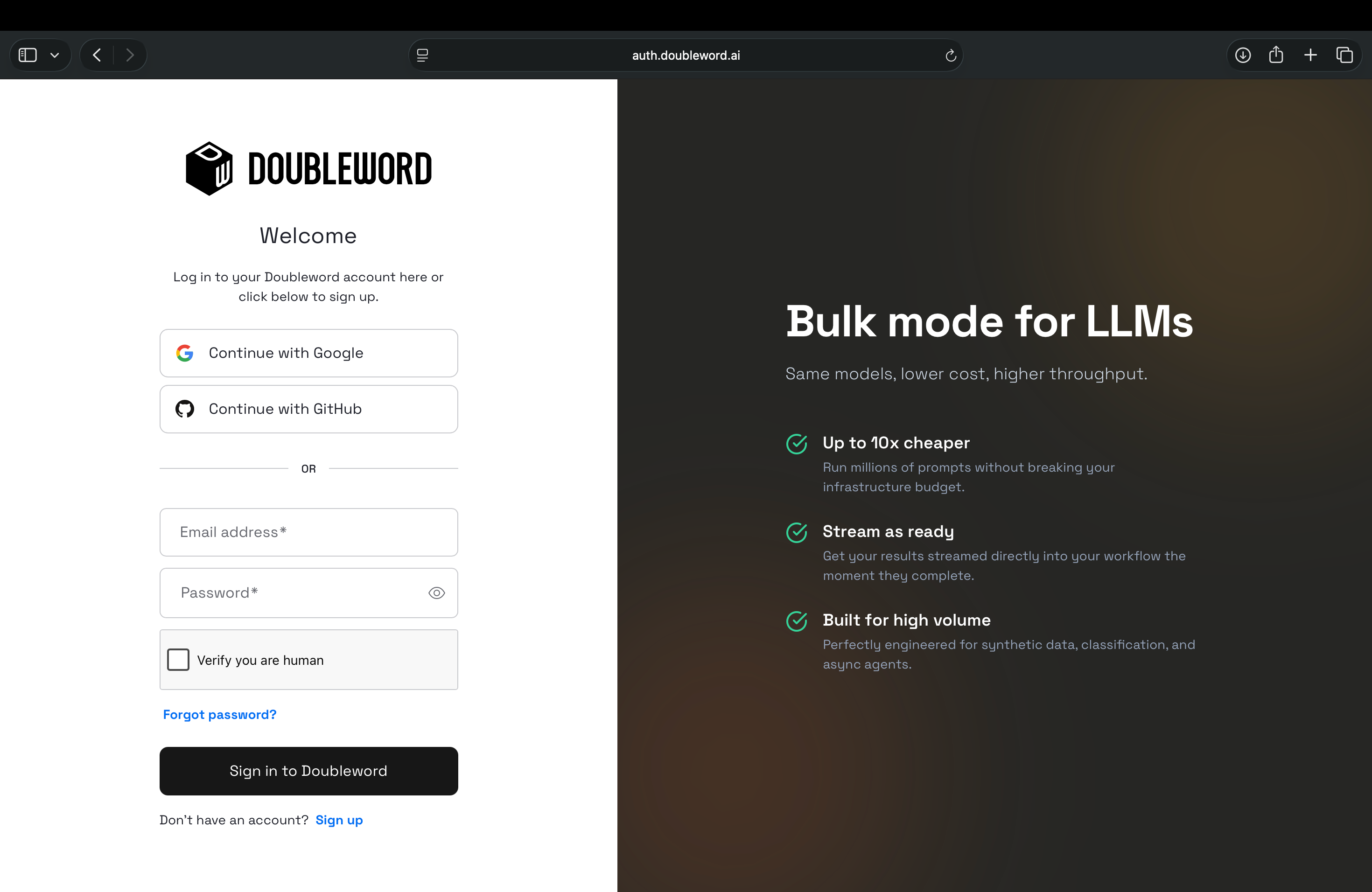
- Sign in to the Doubleword Console.
- Go to API Keys and select Create API Key.
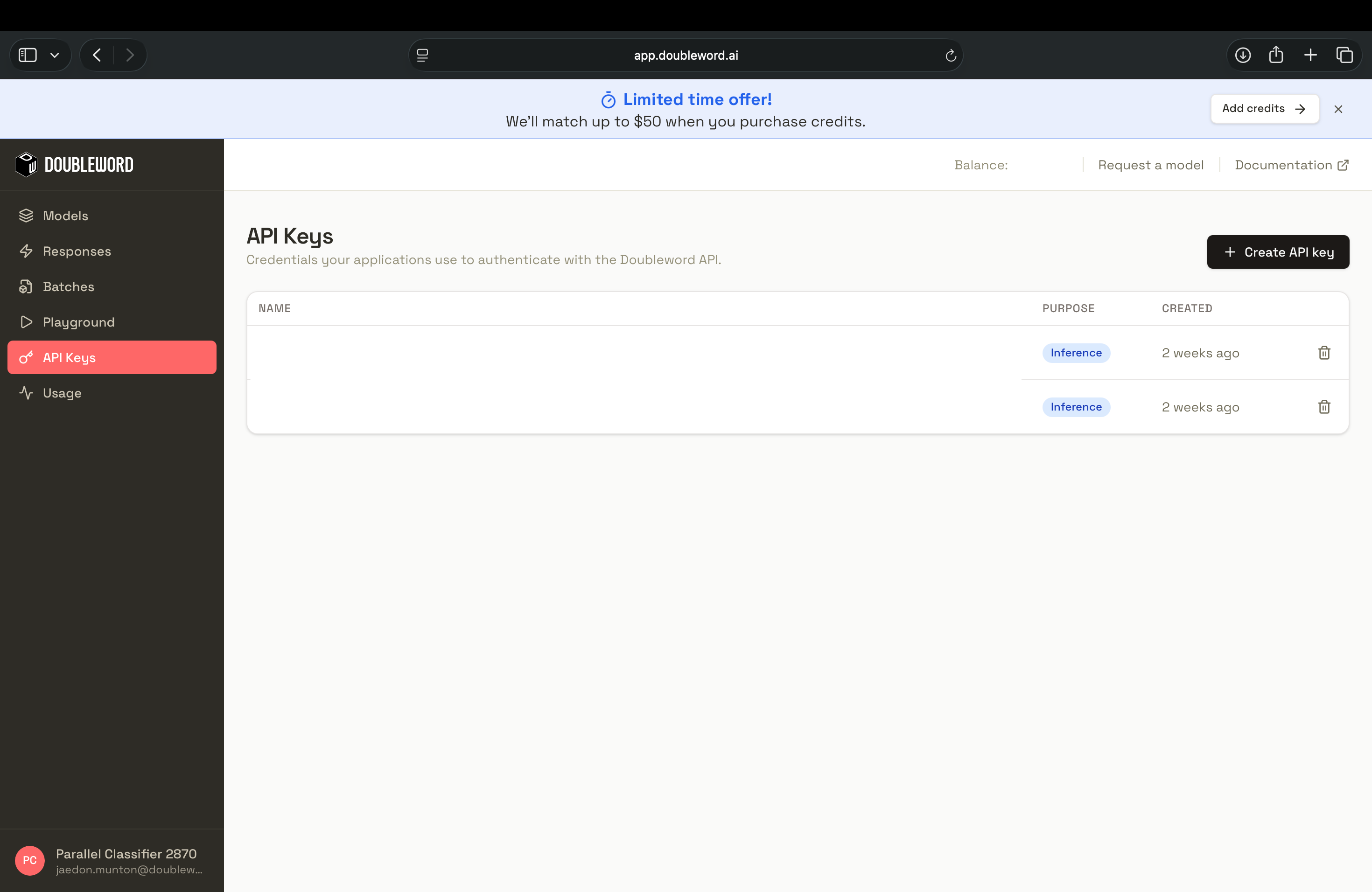
- Copy the key immediately, since it's only shown once, then set it in your shell:
export DOUBLEWORD_API_KEY="your-doubleword-key"The extension reads DOUBLEWORD_API_KEY from your environment, so there's nothing else to
configure to authenticate.
3. Run Pi on Doubleword
You can point Pi at a Doubleword model by prefixing the model id with doubleword/ to smoketest the connection:
pi --model doubleword/zai-org/GLM-5.2-FP8To use Pi interactively, type pi in your terminal.
Once Pi is running you can switch models mid-session with /model or Ctrl+L, so you can keep
GLM-5.2 for heavy coding and drop to a smaller model for quick edits. To check the integration,
ask it to read part of your project, for example "summarize the architecture of my src
directory".
4. Switch between realtime and async
Press Alt+T or run /doubleword-mode to toggle
between the two tiers, or set the mode up front:
export DOUBLEWORD_EXECUTION_MODE=asyncRealtime is the default. It answers straight away and suits interactive back-and-forth. Async runs on the flex tier
at a lower rate, which fits long background edits and repository-wide passes where a minute of
latency is a fair trade for the saving. You can also press Shift+Tab to change reasoning depth
or turn reasoning off.
Prompt caching
Doubleword prompt caching needs the chat completions endpoint. This community provider sends both realtime and async turns to the Responses API. The cache marker cannot be set from anything this page configures. See the prompt caching guide.
Optional settings
The extension reads a few more environment variables if you want to tune it:
| Variable | Default | Purpose |
|---|---|---|
DOUBLEWORD_BASE_URL | Doubleword's API | Override the API base URL |
DOUBLEWORD_MAX_OUTPUT_TOKENS | 16384 | Cap the output tokens per response |
DOUBLEWORD_LIVE_ASYNC_TIMEOUT_MS | 600000 | How long to wait on an async job |
DOUBLEWORD_LIVE_ASYNC_POLL_MS | 2000 | How often to poll an async job |
DOUBLEWORD_CANCEL_TIMEOUT_MS | 10000 | Timeout for cancelling a request |
DOUBLEWORD_MODEL_CACHE_FILE | ~/.pi/agent/doubleword-models.json | Where the model catalog is cached |
For the full list of supported models and pricing, see the Doubleword docs.